
AI workflows
Your AI subscription. OttoTrader's local research engine.
Use ChatGPT or Claude for research reasoning and strategy drafting while OttoTrader supplies the supported contract, local validation, and backtesting.
AI workflow
Two AI paths, one validation boundary.
Run iterative MCP research or create a focused strategy draft. Both paths return to OttoTrader's supported rules and local evidence.
- 01
Choose the workflow
Use MCP Research for iterative campaigns and local backtests, or export Strategy Builder instructions for a focused strategy draft.
- 02
Use your AI subscription
Work from ChatGPT or Claude with the provider plan and limits attached to your own account. OttoTrader does not resell AI tokens.
- 03
Run locally
MCP Research sends bounded research jobs to the authorized OttoTrader desktop. Exported instructions produce reusable strategy JSON for local import and validation.
- 04
Validate before applying
Builder checks, backtesting, Demo review, and your approval still decide whether the idea earns attention.
AI is a tool in the workflow. It is not the operator.
Two ways to use AI
MCP campaigns or exported instructions.
Choose continuous research or focused drafting without connecting a paid provider API key inside OttoTrader.
Let AI iterate against local evidence.
Connect ChatGPT or Claude to the research-only MCP, approve a bounded campaign, and let OttoTrader execute its jobs on your desktop.
Export AI Instructions.
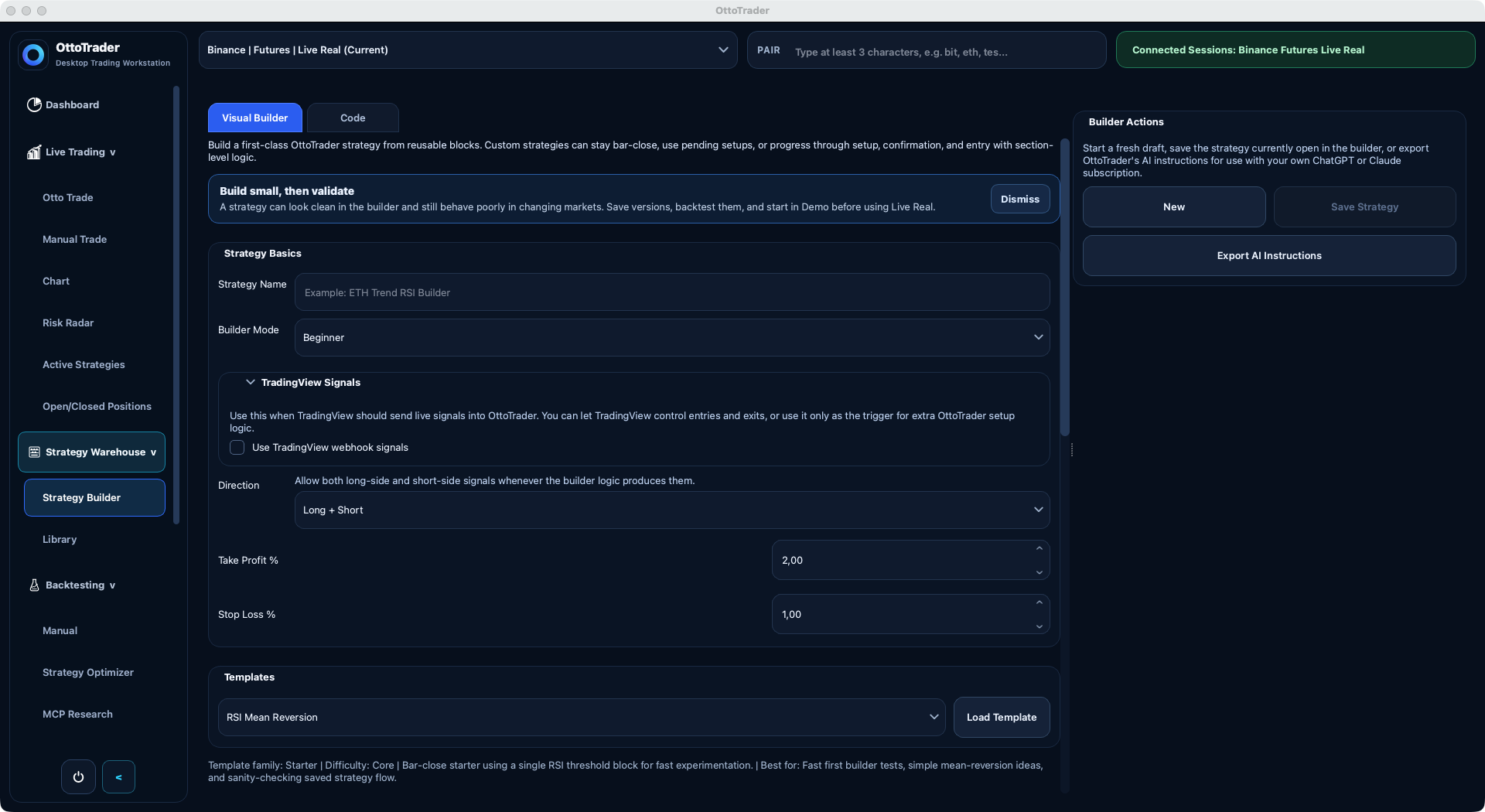
The Strategy Builder exports its supported schema and starter prompt. Give that package to your AI, then import the reusable JSON result.
No OttoTrader token meter.
These workflows use your connected ChatGPT or Claude subscription. Provider plan limits still apply, but OttoTrader does not charge separate AI API-token fees.
Research
Connect MCP Research
Ask ChatGPT or Claude to create and monitor bounded campaigns that execute on your authorized desktop.
Draft
Export AI Instructions
Give your AI OttoTrader's current strategy contract and ask it for one reusable strategy JSON object.
Review
Local validation
The desktop app checks the contract before a strategy can be saved, tested, or used.
Generated draft
{
  "lifecycle": "bar_close",
  "entry": "compression_breakout",
  "risk": "fixed_tp_sl",
  "status": "needs_local_validation"
}
Control boundaries
AI is useful because it has limits.
AI is strongest when it handles reasoning and iteration while OttoTrader keeps execution, validation, and protected strategy boundaries explicit.
The app is not led by AI.
AI does not choose exchange accounts, secretly change live settings, or turn a prompt into capital deployment.
Marketplace internals stay protected.
Bought protected strategies expose only buyer-safe metadata, permitted tunables, and allowed explanations.
You keep final authority.
AI drafts still need review, validation, Demo work, and the user's decision before Live Real operation.
Validation boundary
Generated JSON must obey OttoTrader rules.
Unsupported fields, invented modes, invalid payloads, and generic trading JSON are rejected or repaired before anything can be applied. AI can suggest the draft, but local product rules and validation decide whether it is usable.
Next step
Make every AI draft prove itself in validation.
OttoTrader keeps AI useful by making generated strategies pass through the same evidence-building workflow as any other idea.